 App Switcher Pro
Download for Mac
Stop swiping through
full-screen apps and Spaces.
Give your ten most-used apps a fixed place: ⌘1 to ⌘0. One key, you're there.
Download for Mac — freeVersion 1.0 · macOS 15.6 or later · no account, no subscription
Prefer the App Store? Get it on the Mac App Store ($9.99, 7-day trial; sandboxed, so no window cycling or hold-to-quit).

One key, you're there
⌘1 … ⌘0 jump straight to a pinned app from anywhere. Not running yet? It launches.
Never reorders
Unlike ⌘Tab, your slots stay put. Muscle memory finally has something to hold on to.
Press again, hold to quit
Press the key again to cycle the app's windows. Hold it to quit. Both optional.
Big tiles, no hunting
Hold ⌥ and press Tab for the grid: ten pinned slots on top, everything else running below.
Drag to pin
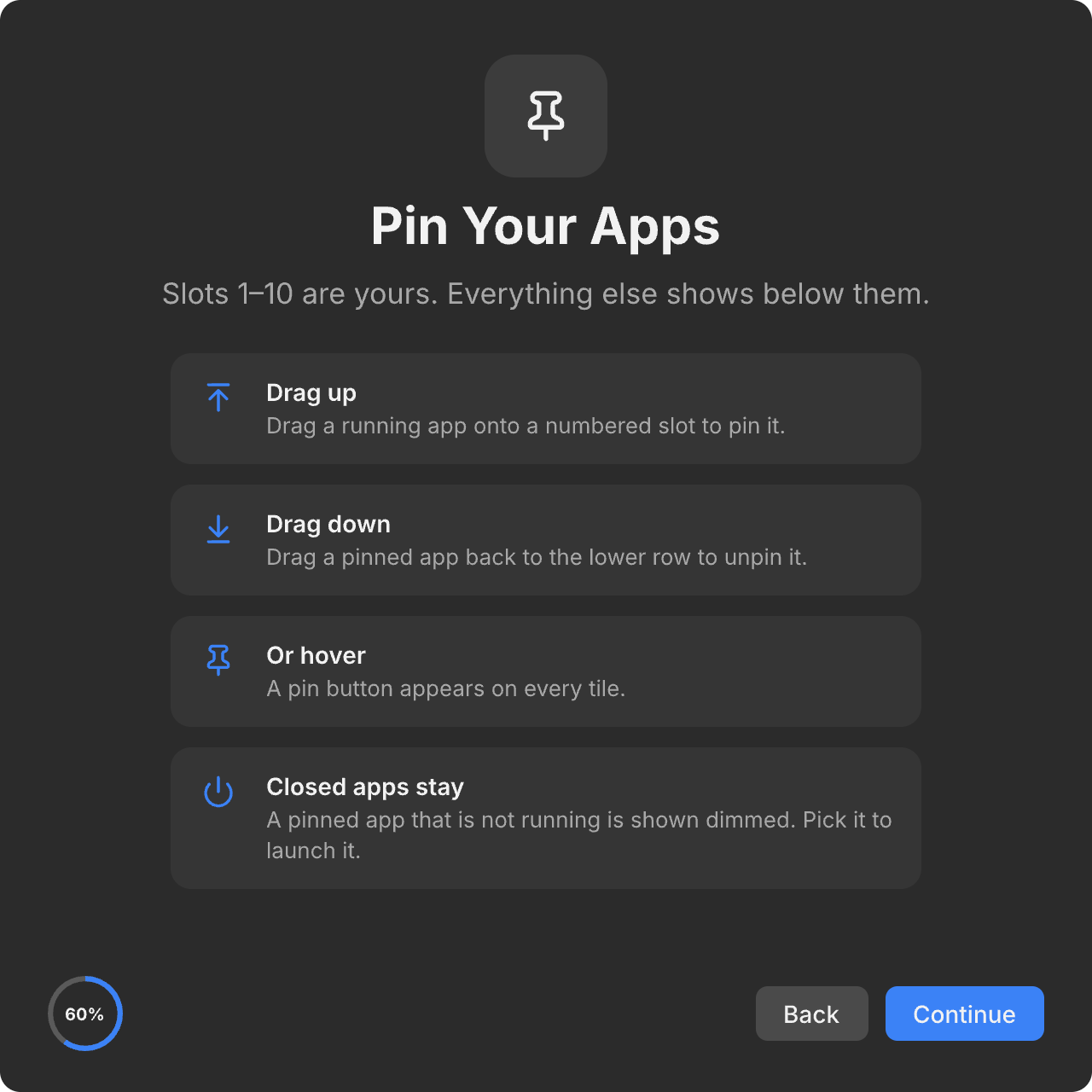
Drag any running app onto a slot to pin it. Drag it back down to unpin. That's the whole setup.
Private by design
Signed with an Apple Developer ID. No account, no license key. No Accessibility permission needed for the basics.
Ten slots. Yours to fill.
Drop Mail on 2, your terminal on 5, Music on 7. Pinned apps stay visible even when they're not running, so the same key always does the same thing.
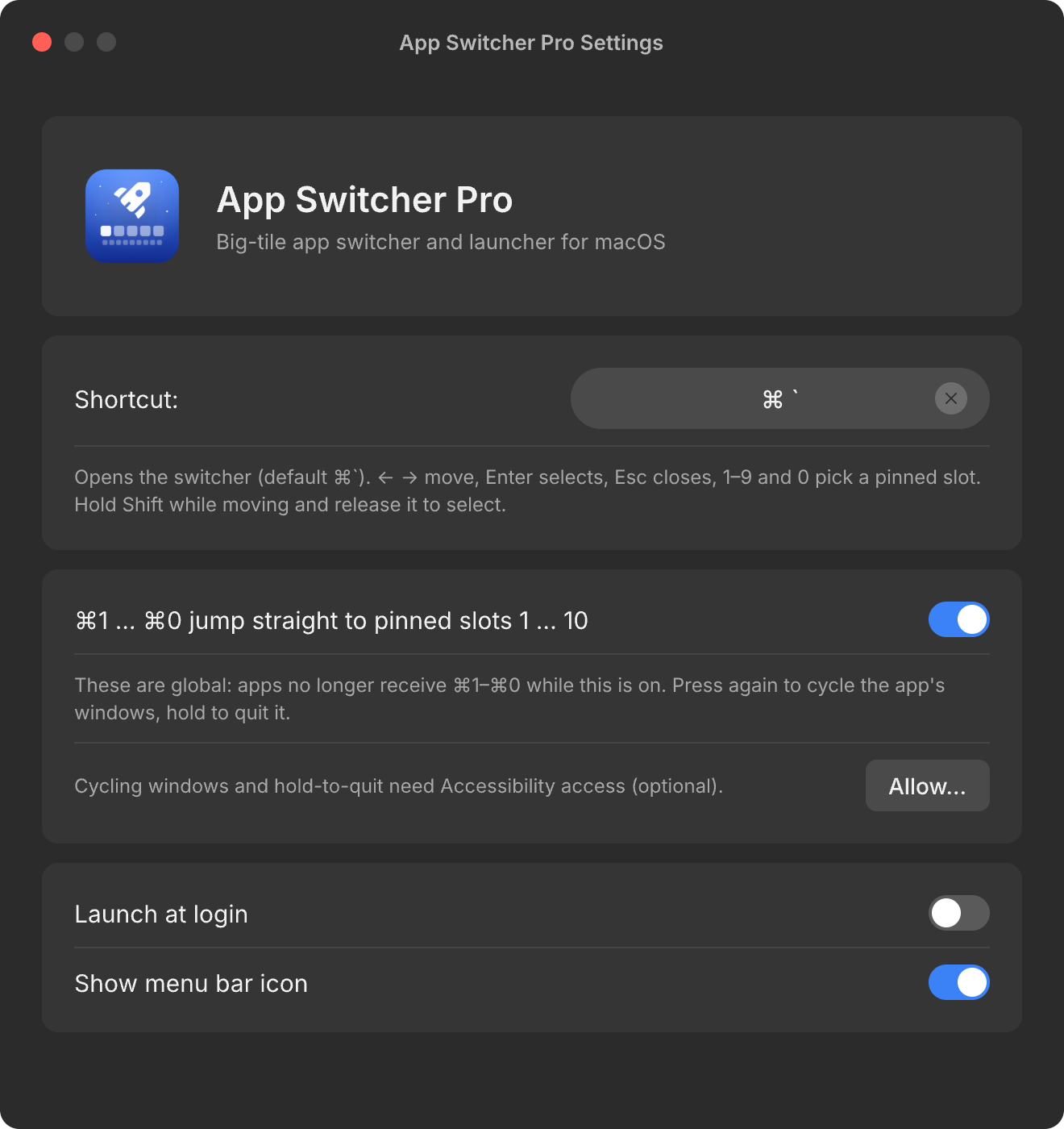
Settings you'll open once.
Pick your shortcut, launch at login, hide the menu bar icon. Turn number hotkeys, window cycling or hold-to-quit off if you don't want them.
Free. Download and go.
Download for Mac — freeOpen the disk image, drag to Applications, done. macOS 15.6 or later.
Also on the Mac App Store — $9.99 one-time after a 7-day trial.